Saturday, August 19, 2006

Accessories

Whenever anyone asks advice on good accessories as a present for someone keen on digital photography, I always answer “tripod” and “extra rechargeable batteries”. The tripod helps to get clear pictures in low light, something most digital cameras are still struggle with. The rechargeable batteries, they must be Ni-MH & are really a necessity not an accessory, are needed because most digital camera are very hard on batteries.

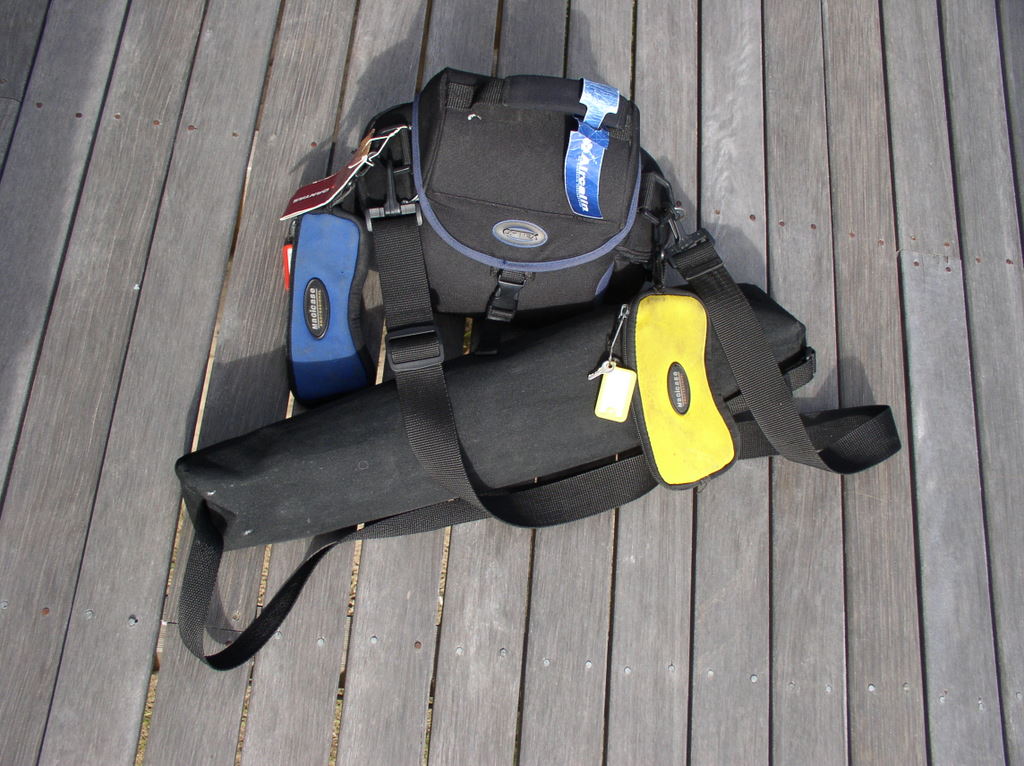
I decided to look inside my own kit, which I tend to carry everywhere, so it should in theory be just the essentials. I have a medium sized camera bag (sturdy but not an expensive one, by the way) and a shoulder carrybag for my collapsible tripod (again not an expensive one but a good compromise between weight and sturdiness).  The “clip-on” yellow & blue pouches are for glasses.
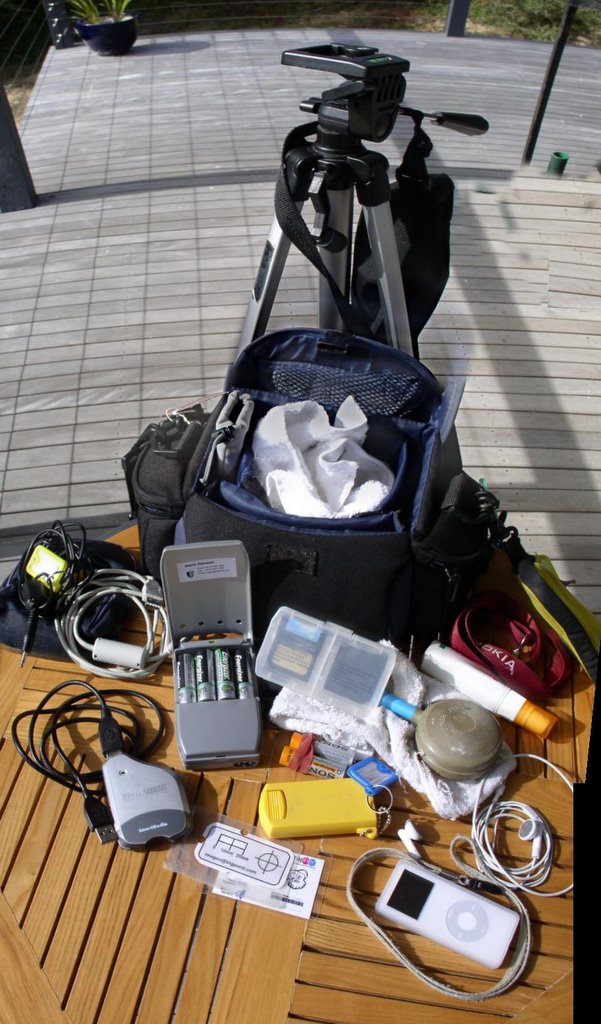
Emptying the bag was a real revelation. Do I carry around that much! Do a really need all that? Starting just left of the center, I have a nice portable battery charger that also doubles are a battery container (from Sony). I have spare memory cards, my camera uses smartmedia cards (no longer used in newer cameras). There are also, at least a couple of, soft white teri-towel cloths to keep my camera clean. Also a blower brush and lens cleaning fluid (many purists would be horrified, but I get out into the real world, where it rains, the wind blows and things can get wet, dusty and dirty) So my advice is just don’t over use the fluid on the lens, wherever possible just you’re the blower brush. Yes that’s an iPod next. I don’t use any of the iPhoto stuff, or any fancy device to transfer my photos to it as portable storage. I just like to listen to music as I walk around taking photos. The little card is a nifty reference I made myself for scaling close up photos (mainly used in photos for reports). The yellow/orange thing in the middle is an LED torch that doubles as an extra battery case. Next is my trusty card reader, which often doubles as a memory stick, since it has a USB Cable. Finally I have a couple of cables, the white one goes from the camera to USB and whilst I tend to use the card reader >(it doesn’t drain the batteries of the camera, but otherwise performs the same task). The black cable with the yellow tag (sorry it is not really visible in my photo) goes from my camera to any yellow RCA video socket on a TV or video. This cable is surprising useful to let others “preview” images. I loosely roll up the cables and put them in pouches to keep then from getting tangled. Well that’s it, all useful stuff.

Opps I forgot the camera also goes in the bag

Friday, August 18, 2006

The geotagging buzz

The geotagging buzz

There has been a fair amount of discussion on the web and flickr in particular about geotagging, even flickr central is a buzz with rumors. Most of what I read is so amusing, having watched geogagging in flickr grow, mainly from the effort of key geotagging group member.  So I found the average “Joe in USA” complaint, about really needing a GPS in their camera, or cameraphone before they will tackle geotagging sad but it is a just another reflection of the self opinionated “net celebrity” appearing all over blog space I guess

Now there is a bit of diversion on which tools may be used. Will flickr railroad members to use yahoo maps?  Sergey Chernyshev has a nice Google versus Yahoo Maps comparison tool. It really brought home to me, why trying to using Yahoo maps, here in Australia, for locate anything is such a big ask. I’m happy to stay with google earth (via picassa) and google maps (via flickr using the localize bookmark applet)

Using the google versus Yahoo maps comparison this is the most detailed I could get with Yahoo. I’m lucky to guess where I am (since few minor roads are shown on the yahoo map) with a kilometer or two.

Switching over to satellite image, I can zoom in a little.

But Yahoo gives up well before google maps. Even thought the satellite image is starting to pixilated I can still see enough detail to get routinely within 3 meters using google maps/earth.

Thursday, August 17, 2006

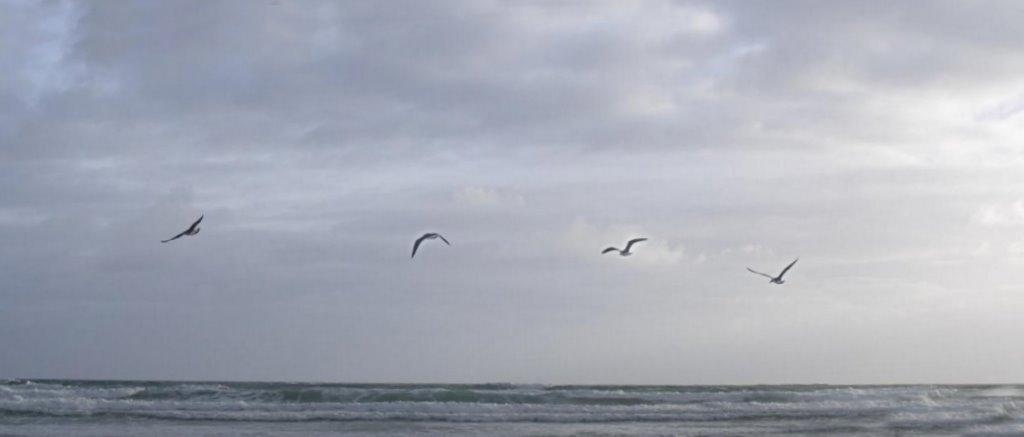
Four views (of the same) bird in flight.


Created using autostitch, this is based on four photos of the same bird in flight. The photos where taken in mutli-shot mode as I panned on the bird's flight path. Then I used the patterns in the clouds for reference to "merge" the images into one.

For Photo friday's topic: Four Posted by Picasa

Saturday, August 12, 2006

The surreal lighthouse

The surreal lighthouse

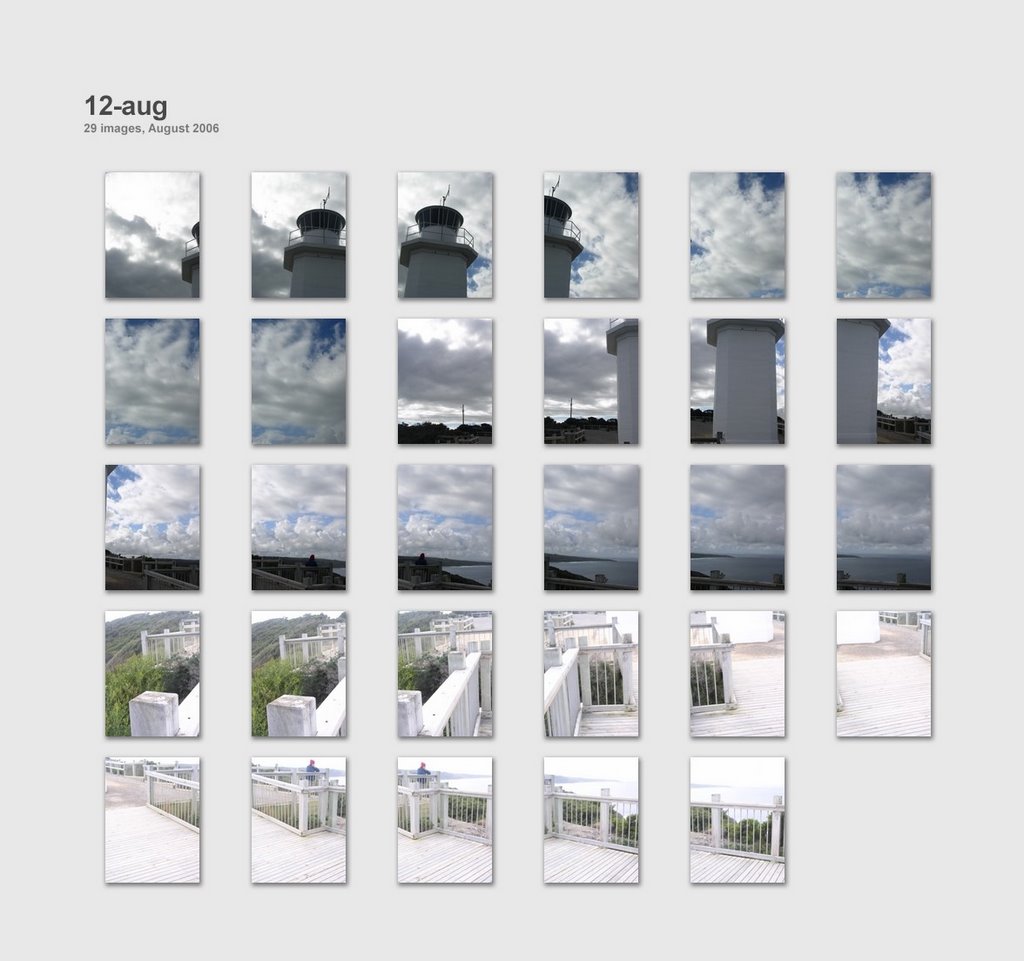
Panoramic Photomosaic of the Light House at Cape Liptrap (made with 29 photos using autostitch). The reason the base of the lighthous is very pale is simple. The images was taken in three strips, using my camera in mutli-shot mode. At te strt of each "run" the camera sets exposure and focus. In the first two upper strips the camera was aiming at the sky and "stopped down". In the last strip the camera was aiming at teh ground and "opened up" the aperture. The results is a big mistake but the merged image definitely has a very mysterious and surreal feel to it.

See where this picture was taken. [?]

Thursday, August 10, 2006

Beach collage


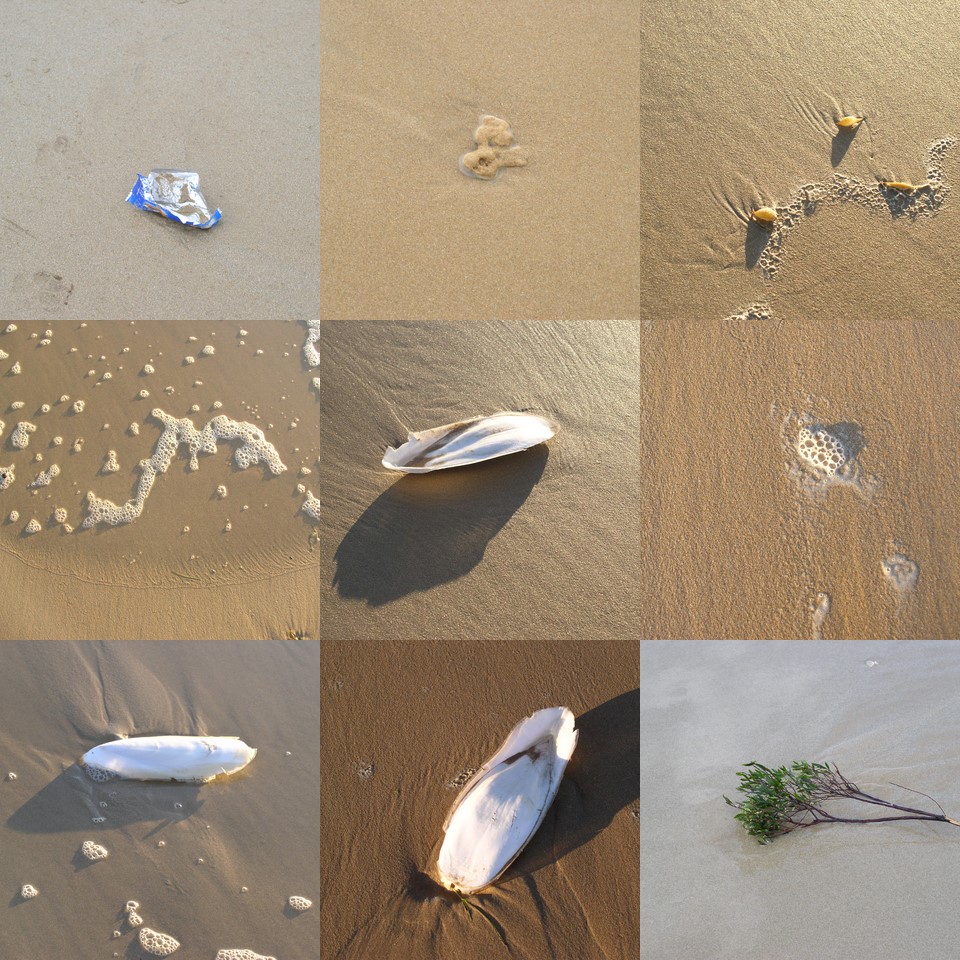
There is something in this collection of photos that doesn't belong. Can you spot it?

Tuesday, August 08, 2006

What about Picasa Web Album?

I have previously discussed the new geotagging with google earth feature in the lastest Beta release of picassa, but the feature google are promoting is the new Web Album.

Well Picasa's web page looks (to me) like most other web albums. Ok its free up to a certain storage limit (around 250MB). It is easy to use from with picasa.. Do I sound under whelmed, well yes i was. I had expected a bit more. Perhaps i naively expected something that would automatically updated an album,or two I had on my picasa desktop, that i wouldn't have to push buttons to do everything, upload, organize, share. well they have thought through the button pushing so there aren't many. The sharing with your friend is achieved by sending them a link, and there is a button to help you do that. There is also a neat embed in Blog/Myspace, which gives you a snippet of HTML code to cut and paste into your blog (thats how i got the links below)

Here are a couple of albums, I prepared earlier.
McNaught's Comet


Sorong

Finally here is a a link to google's user forum on Picasa Web Albums so you can read a few other opinions.

Sunday, August 06, 2006

further evidence of spring

  Posted by Picasa

Now you're just are being ridiculous

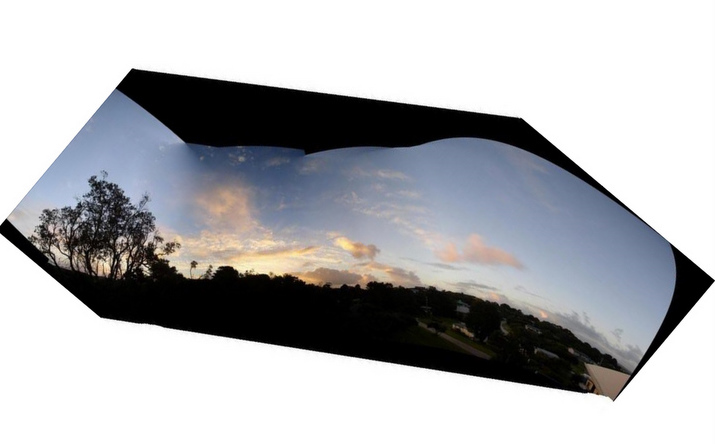
I have seen a couple of wild curving photomosaics on flickr so I’d thought I’d investigate making those as well. I took on sequence turning the camera as I went, (moving form a landscape orientation to portrait as I reached a large tree)

My Olympus software just refused to work. Autostitch selected those it could match, ingnoring the rest. Then it blotted its copybook by trying to straighten the horizon (well the image is sort of interesting in a distressing way)

So I had to fall back on my trusty version of Corel Photo, which allows a more manual stitching by identify two matching point of adjacent photos. While I could assemble them but the between image blending doesn’t exit and it is very “Cut & Paste” looking result

I can see there is plenty more to investigate, with free form photo stitching effects

Saturday, August 05, 2006

Weaving a series


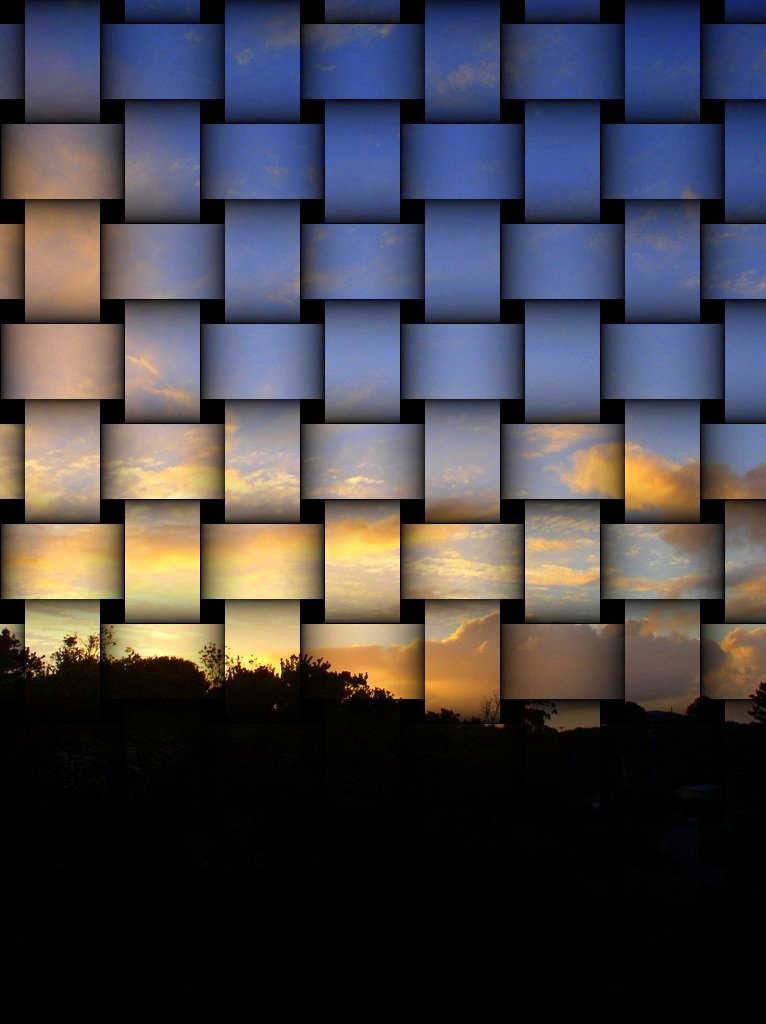
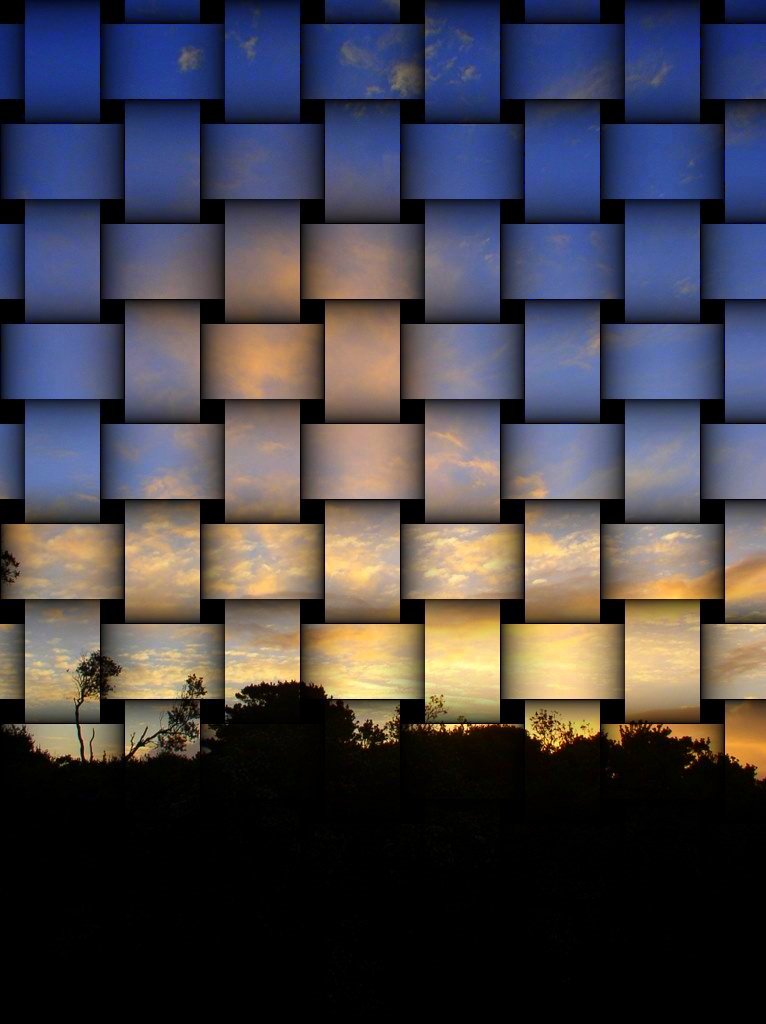
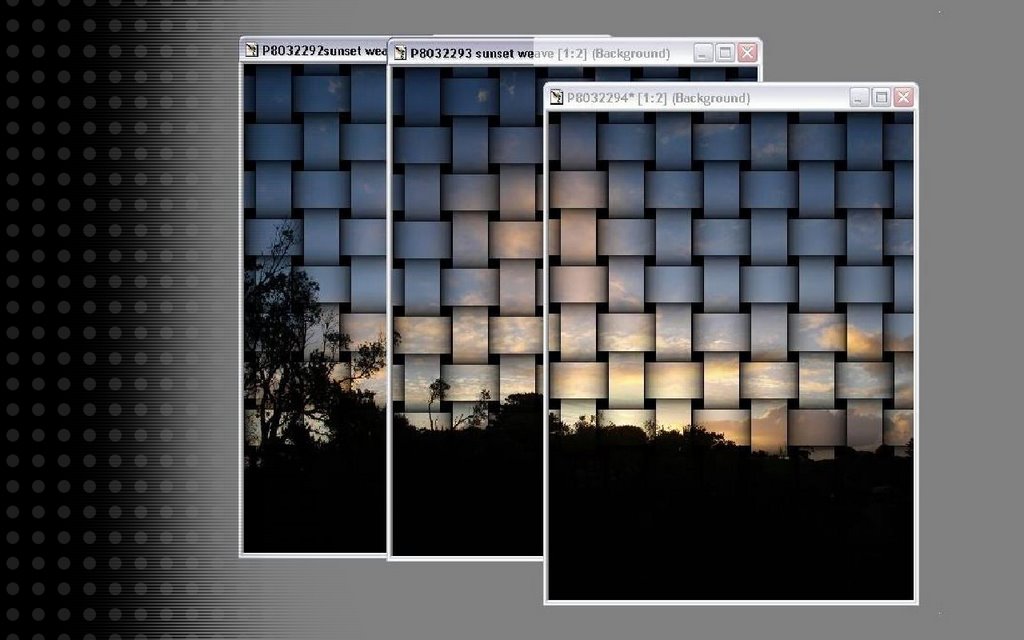
Experimenting further with my skyline mosaic series. I used Jasc PhotoShop Pro’s Weave Effect to create an interesting set. While the colour saturation has been lifted in picasa, it is the dark silhouette of trees that make the composition interesting (for me)

The making of these images also itself makes an interesting screen wallpaper for my free wallpaper set on flickr

the bath duckies photoshoot


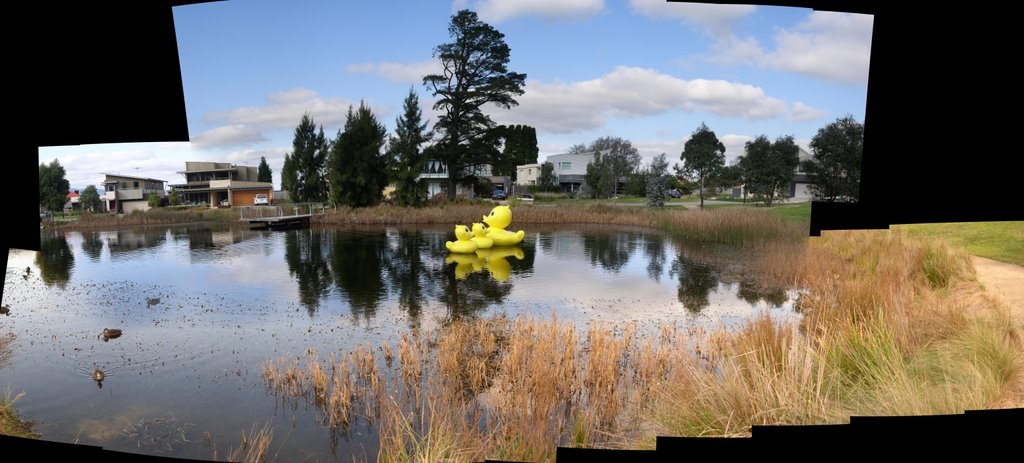
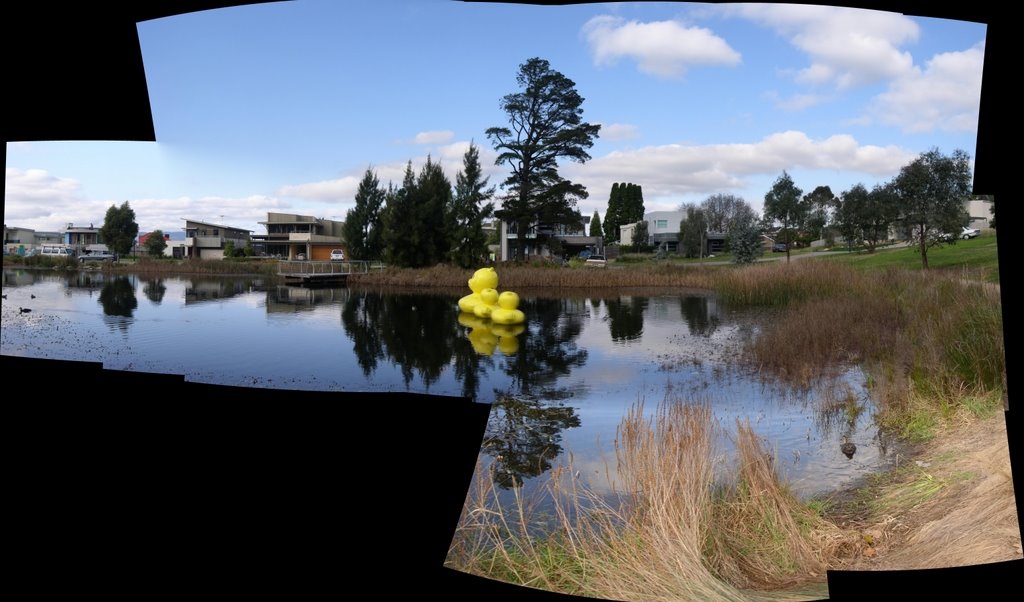
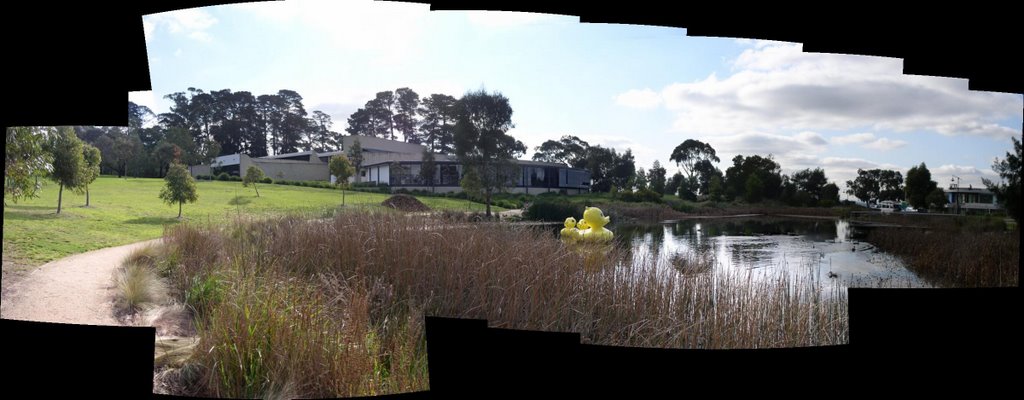
Yes it is a family of bath duckies at home in the pond below the MGA Gallery & Library at Wheelers Hill. They are part of sculpture in the park program, and look very much at home. They make a great photo subject


See where these photos were taken

Friday, August 04, 2006

This morning on the beach


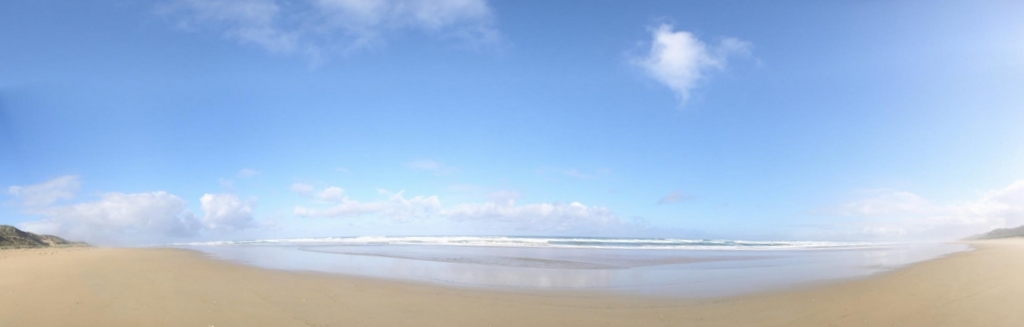
It might officially still be winter, but lets keep this weather a secret. This image is my biggest composite photomasaic yet, it is based on 27 images assembled with autostich

Thursday, August 03, 2006

Comparing stitching methods


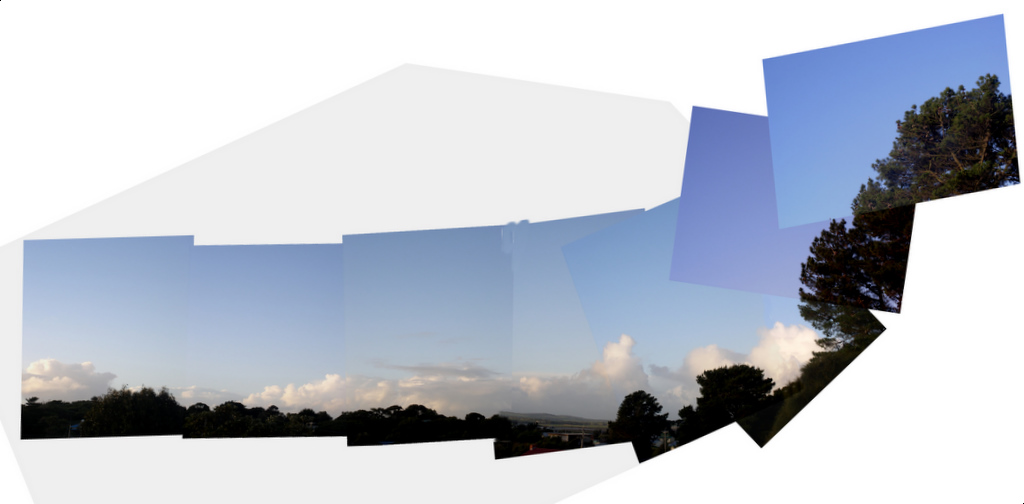
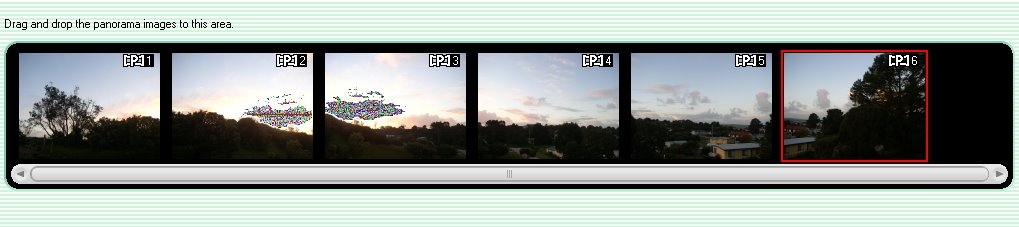
I love the auto panoramic feature of my Olympus camera. The big limitation is you must have a special card (supplied only my Olympus) to be able to use that feature. On the positive it is well thought out and it gives a reference guide over the image on the LCD to help you give the best overlap between shots. Once uploaded to the computer it is simple a matter of selection your series and pressing the create/auto panorama button. It is even fun to watch the images being positioned and the final product is generally good.

The big exception being when taking a strongly graduated sky the “seams” at the photo overlap are frequently visible in the sky.

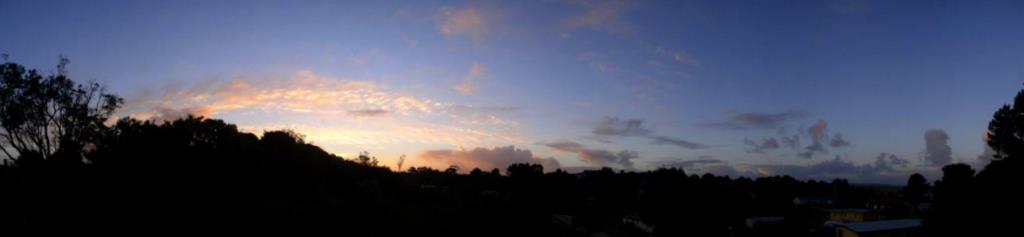
So this time I also tried using the Autostitch program, and at least at the time of writing this, the demo version can still be downloaded for free for those who might be interested. Whilst it doesn’t show you what’s going on till it has finished. Compared with my Olympus auto panorama, I think it has done a better job with the blends between images (particularly) in the sky and the perspective is slightly different (layout out the outer images, a bit like a fan) Still I’m very impressed.


A small amount of straightening, cropping and using autocontrast in picasa and I have a nice wide panorama of the sunset

Researching a sunset in photomosaic


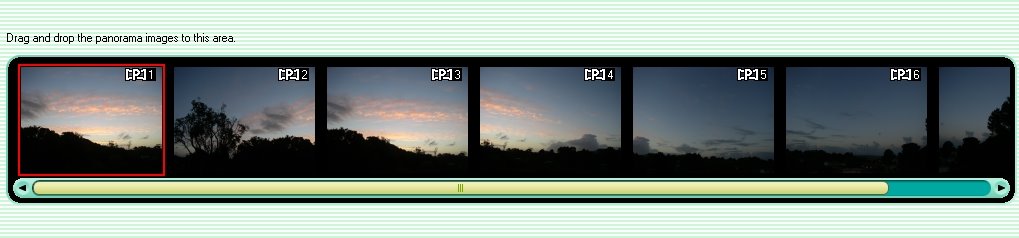
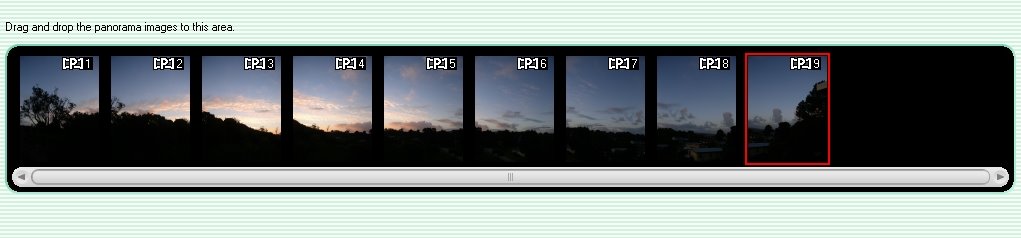
I’m back down at the beach and thought I’d do some more research on making big skyscape mosaics. This time I took a few sequences, using my special panorama card, with my Olympus camera, and some free format sequences.

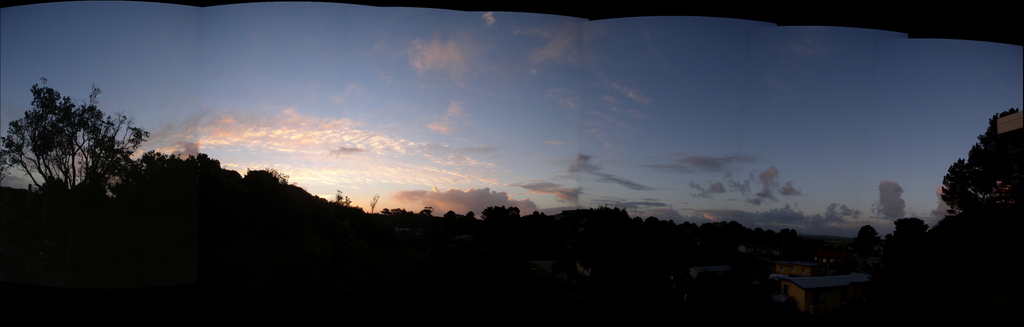
The skyline is simply the sunset from the lower deck of my place, the images runs from slight west of south to almost east. As the sun was setting I didn’t have much time and I didn’t trust the exposure my the light meter was giving, so I took a range of exposures using bracketing using five (EV steps (the same process I had used up in New Guinea). I also took three different approaches when using the Olympus card.  First I just took a normal sequence, letting the camera select the light metering on the first image (this washed out the center exposure, where I actually wanted the best exposure)

Second I took a deliberate first image at the sunset, to get correctly exposed, then moved onto the normal panoramic sequence (this gave good exposure at the centre but I had to “burn” the first image)

The last approach was to aim at the sunset and have press the button to get the camera to focus and take a light meter reading (Achieving much the same as the above but without having to waste the first shot). I have also turned the camera to take a “portrait” orientation so I get a taller (in the vertical) strip.

Monday, July 31, 2006

Back to the cold.

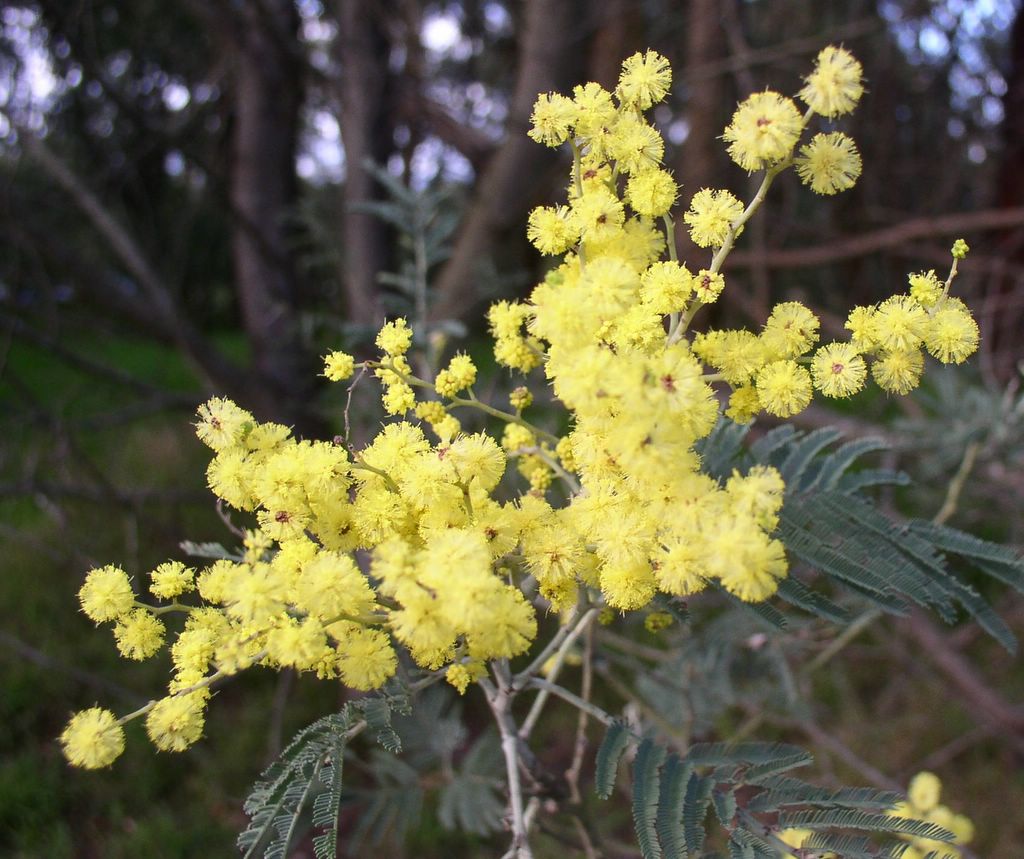
Despite the cold, the splashes of yellow (wattle bloom) indicate spring is on its way.

Wednesday, July 26, 2006

Breakfast Panorama

photomosaic panorama
Breakfast Panorama
Originally uploaded by imageo.

Getting the exposure right from a digital camera when you are aiming at a rising sun is a tricky business. So in order to get the sky correctly exposed I used braketing (using 5 EV ranges) and then took 4 different but slightly overlapping views (ie there were 20 photos in the series). I then selected the -0.3EV from each of the bracket sets and then ran them through autostich. A fair bit of mucking around but I am pleased with the results. It give that big sweaping broad landscape feel I like. (By the way I don't have any kind of "sky" filter for my camera)

Monday, July 24, 2006

An emailed photo

an photo emailed to flick
An emailed photo
Originally uploaded by imageo.

This is a gauva fruit enjoying the rain. It is an example do photo that was been emailed to flickr and then forwarded as a blog post (with photo).

Photoblogging by email (using Flickr)


Photoblogging by email (using Flickr)
Originally uploaded by imageo.

I knew It was too good to be true, i should not have praise flickr fortolerating low bandwidth access.

Today when I tried to upload to Flickr, the upload process timed out several times. So I should really explain there are other ways to work from low bandwidth (and that includes WAP enabled mobile phones). Flickr lets you email in your photos. They give you a specific email address, which can be found under the your account section. Look for the Uploading via email section, (it's the first item) click on the link and it will display the address to use (as a MailTo link).

Even better if you look lower (near the bottom) of the Your Account pageyou will see another section about posting to your blog via email. This involves setting up a default layout (you need to do this ahead of travel time) and blog options (see insert). You can then send an email with a photo attached and the text of the email will be used as the body of you post and the photo inserted as per the select format.

This blog post is such an email submission. (with a screen capture instead of a photo)


PS Its just a pity about the way it gets re-formatted!

Sunday, July 23, 2006

Passin Bilong Kaikai Buai


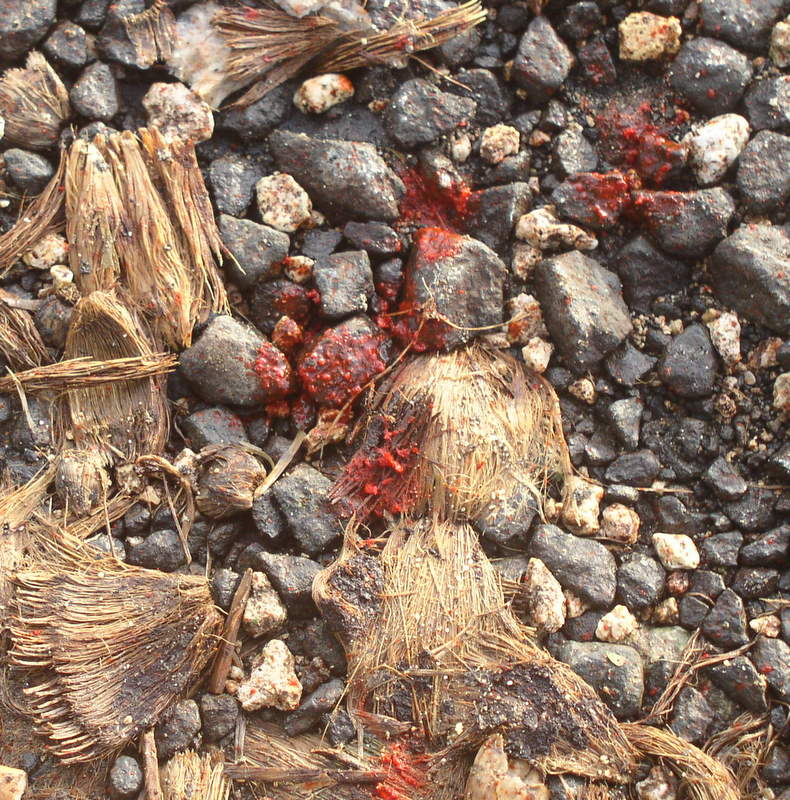
For Photo Friday: The common habit of chewing betel nut (kaikai Buai) in the outer island of new guinea, leaves bright red spit and husks everywhere.

Be careful where you step or you will get very stained souls.

Saturday, July 22, 2006

Photobloging over low bandwidth


22-jul-2006 lihir_pit02
Originally uploaded by imageo.

The fact that I have been able to post this panorama, from the remote location it was taken, has overcome a couple of real issues that has stopped me photoblogging when I only have access to very low band width connections to the net. (like when you search out the cyber cafe, if there is one, and it has a 486 PC running windows 95 with and ancient dial up modem).

1) Nice FTP base Uploads don’t work (or are blocked).
2) Frequent Line Drops, Time Outs and errors, which mean that any large file is guaranteed not to be uploaded via on-line forms.
3) Trying to geotag photos with complex on-line scripts (or google earth) which also inevitably fail because of time outs.

For this upload I firstly used flickr, and the upload form in my account, to up load a medium sized version of the photo. I’m not sure if flickr have changed this upload but it does seem reliable and doesn’t fall over or time out. Possibly if such things do happen, it can pick up were it left off and continue. Then I used the blog this button to set up this blog post. Saving me to have to log onto blogger and go through a number of steps all of which where prone to time outs.

I have also used the fantastic script localize whilst still in flickr to capture the coordinates and geotag the photo. Again it worked, a little slowly, but without falling over.

Previously I preferred to use google earth, for remote locations, which I felt had better satellite and air photo coverage, but the google maps coverage is catching up fast. Click on the link below and have a look at the open pit mine from above as well


See where this picture was taken.

All of this was done on a shared satellite link at snail pace speed, but it worked reliably!

Friday, July 21, 2006

The story behind the photo

My bag @ last
I realize the is a very late submission for Friday Photo's topic Remarkable, but i have been waiting all week to take it

See where this picture was taken.

The story begins when I started to fly from Melbourne to Lihir Island in Papua New Guinea. At Melbourne is was noticed the plane had been dinted by the air bridge, and there was a long delay whilst the damage was inspected and repaired. I had resolved to miss my connecting flight in Brisbane but due to fog in Sydney and general chaos in Brisbane I a mange to catch my now delay flight to Port Moresby. It seems my bag was off loaded, somewhere and didn’t make it to Port Morseby till Monday, but customs would not clear it because it was locked, On Tuesday I discovered this and said they (customs) could break the locks and inspect the bag. They decided they needed to have some one from the airline watch them do it, but he apparently did turn up till after the flight to lihir had left, further he left the bag at the international terminal. that was on Tuesday, it took till Thursday to make the 400 meter journey to the domestic airport and catch a charter flight to lihir. After 5 days in the same cloths, in a very humid tropical climate, the novelty had work thin.

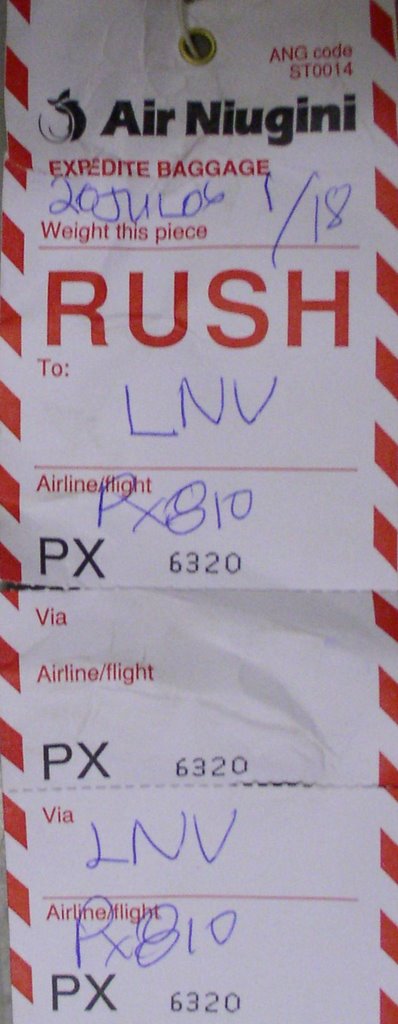
Rush?
I got to the airport about 15 minutes after the plane has landed last night and everyone was packing up to go home. But there it was "my bag" waiting patiently on the side of the road.. And somewhat amusingly one of the tags on it says RUSH (Sunday. Monday, Tuesday, Wednesday Thursday... that some rush!)

But today I do have fresh cloths and deodorant.

(So there may be a moral here I think if you fly to Bali and don’t lock your bag you will probably end up in jail, where as in new Guinea if you lock your bag they will just keep your bag!)
Monday, July 10, 2006

Early Celebrations


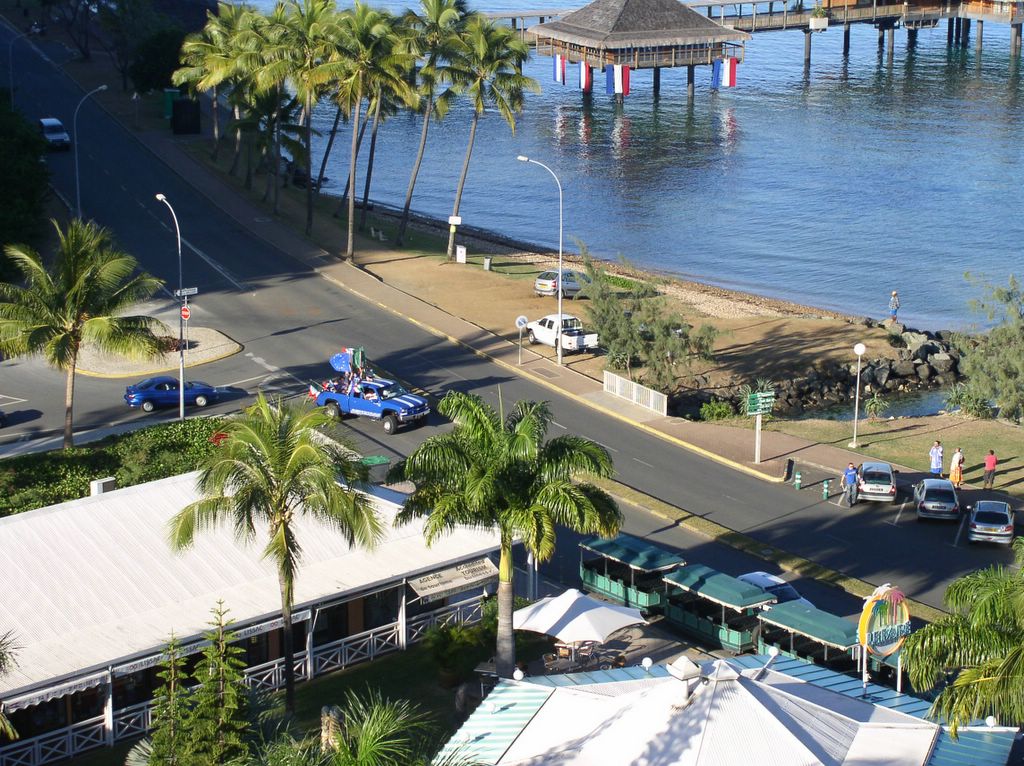
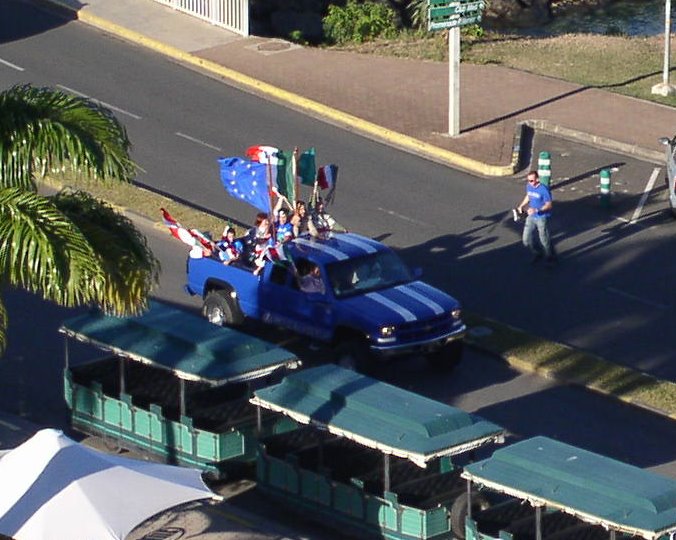
The world cup celebrations strated early in Noumea (it was already the next day), the head butting incident and penalty shoot outs just over.

Saturday, July 08, 2006

Summer (in Winter)


For Photo Friday: Topic "Summer" (despite the fact that it is actually winter here in australia, it looks summery on the Low Isles in Far North Queensland)