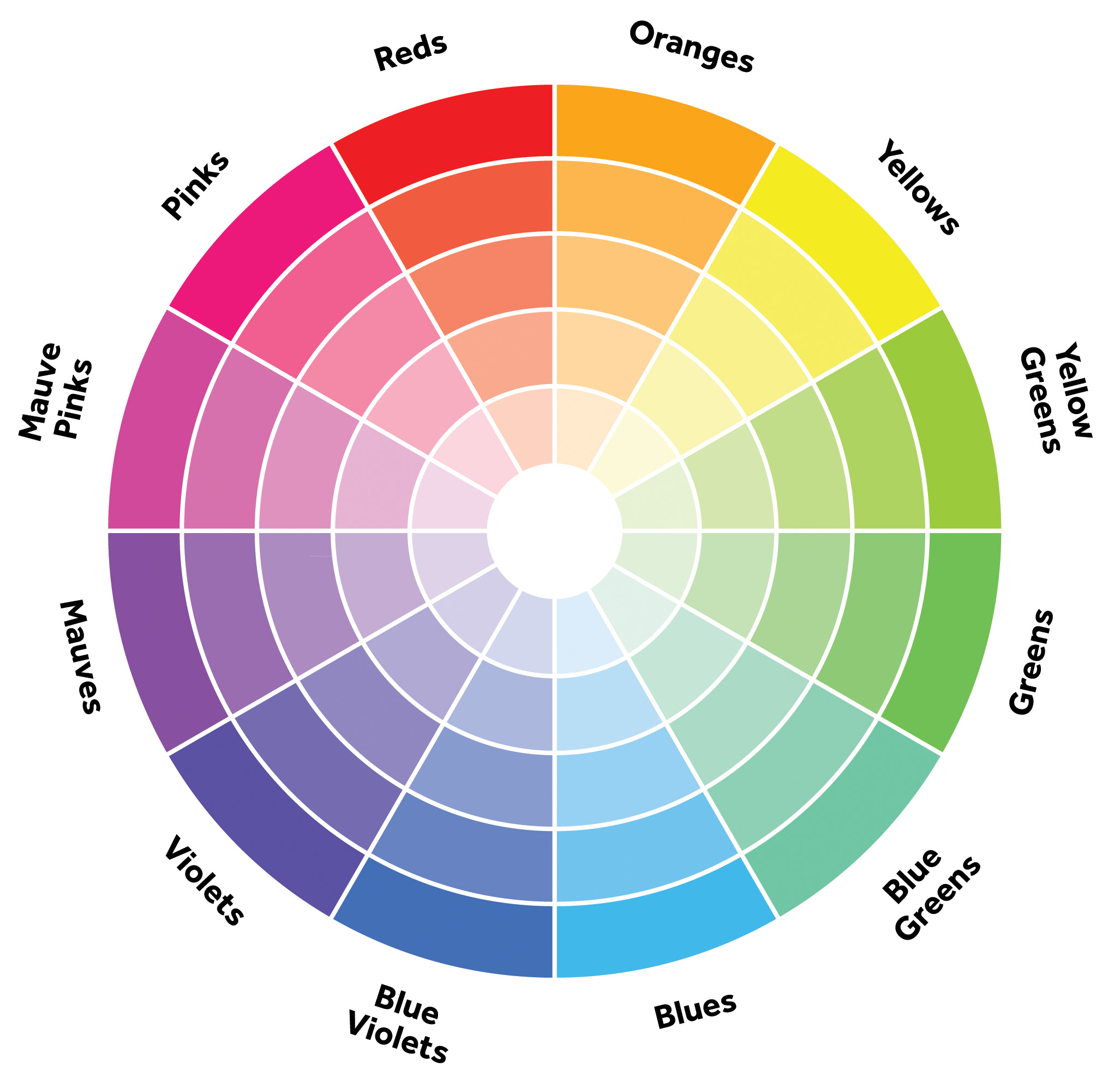
 The next big decision to make when Exhibiting your photo(s), is where to get them printed. I’m going tp assume you haven’t got a lot of experience print your own photo and intend to use a local commercial service. If you don’t get prints made regularly I strongly suggest to get some trial prints made first, probably on 4 by 6” size, which you should get for around 15c each (or less). You can take a picture of a colour swatch or artist colour wheel (or download the one here)and get that printed as well, this will help compare your screen colours & contrast to your test print(s).
Most places that offer photo printing can handle either SD cards of USB keys, and it is better to just have the images you want printed on them so as to avoid having to sort through many and run the risk of accidentally printing the wrong photos (and then blame the store!). Some store (eg Teds, Harvey Norman, Snapfish & Kmart) let you upload photo on-line with in-stores pickups if you set up a free account with their service.
I’ve researched the likely price of common photo processing, at place like Office Works (which don’t always get goodreviews), Big W, KMART, Snapfish, Ted’s, Harvey Norman on standard glossy or matte papers (in the Melbourne area). Printing at “professional labs” and on specialist paper will definitely cost more., especially if those labs mainly carter for wedding photographers.
Size | ~cm | Price |
8x10" | 20x25 | $2-4 |
8x12" | 20x30 | $4-7 |
A4 | 21x29 | $5-10 |
11x14" | 28x35 | $12-15 |
A3 | 29x42 | (?) |
12x16" | 30x40cm | $15-$20 |
You can see the price skyrockets as the prints get larger. Further getting non-standard sizes can also significantly increase the price. It is often better to get a larger size printed and leave white margins (and remember to tick don’t expand to fill), then use the matte to cover the margin.
Colour matching is a very complex process but if you stick with the sRGB colour space you should be fine. This is normally the default for your camera and most photo editing software (but it can be changed by presets in the software you use, so check) and don’t tick boxes like “lets us enhance your image”.
So set sRGB and post process/refine your image before you take it to the printers and you should be pleased with the result.
.


