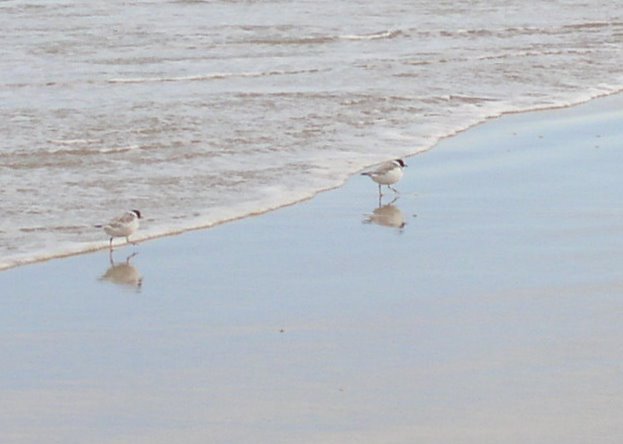

Initially I thought these where a pair or sandpipers, then possibly banded dotterels, but they are hooded plovers Thinornis/Charadrius rubricollis.
If you are keen on bird photography why not join up to flickr group Field Guide: Birds of the world
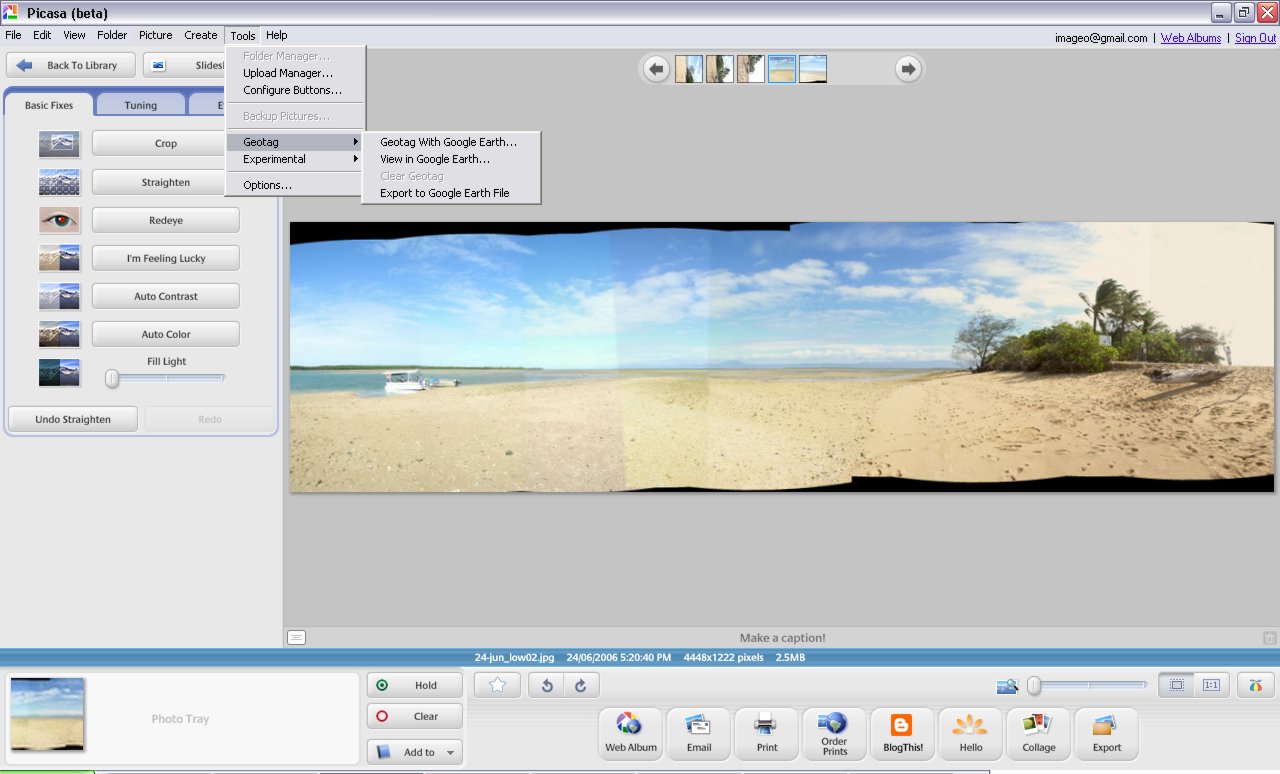
 It lets you add latitude & longitude coordinates to your jpeg photo’s EXIF data . It is pretty easy to get working. Select a photo in picasa and then select the geotag with google earth option from the tool menu. This fires up google earth assuming you have it (if not is time you downloaded it’s free)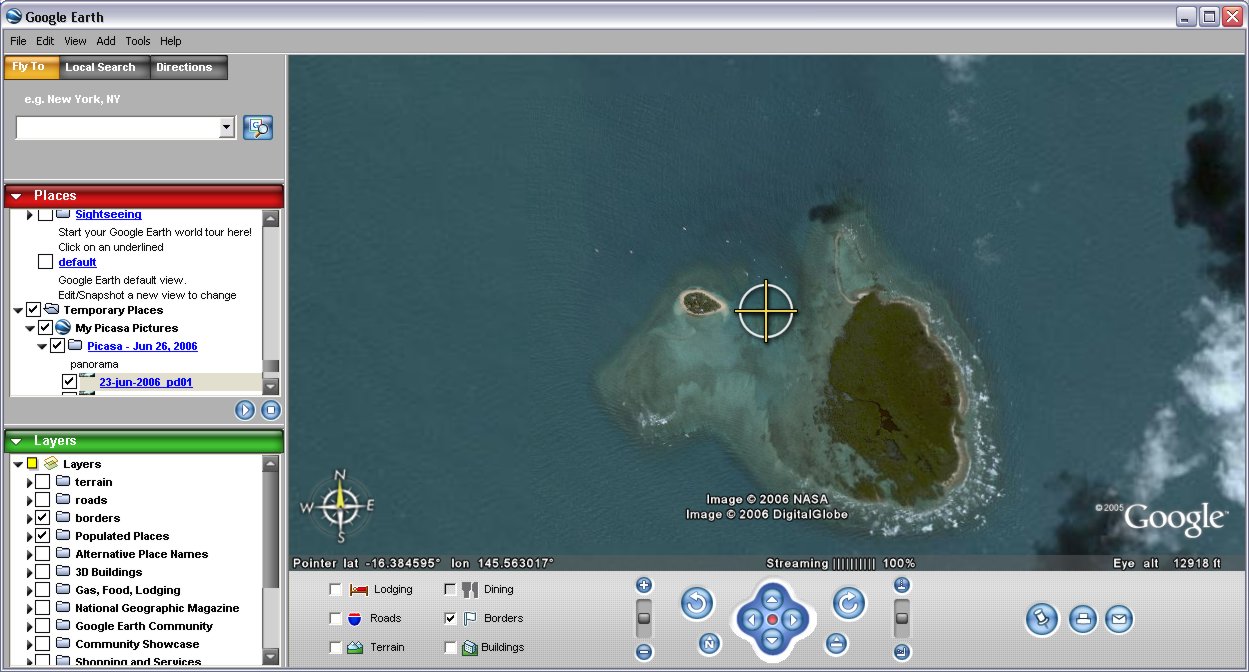
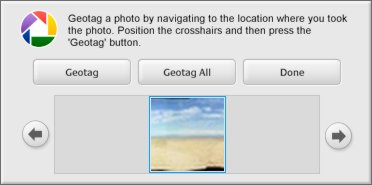 In google earth you will notice there is a central target. Down the bottom of the screen you will see a little picassa generated window with your photo. Just move to the location you took your photo (or the location you want to tag) and click on the geotag button in the picasa window. That’s it!
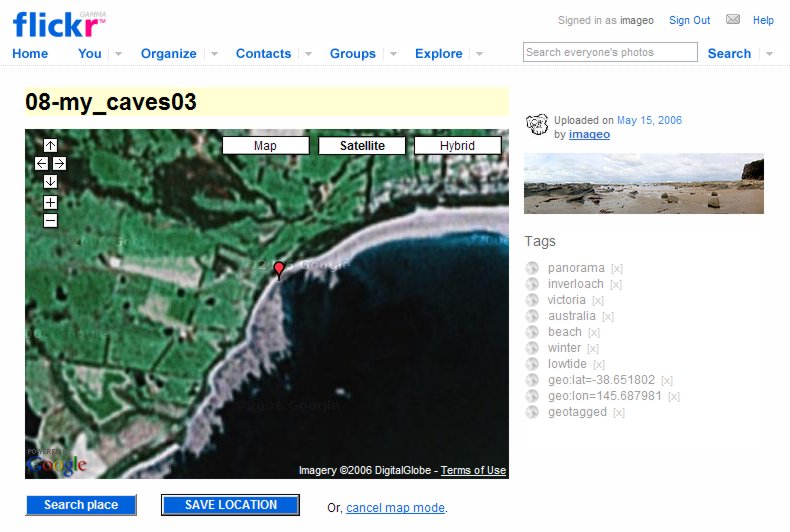

 I personally have tired out and really like the approach created by Andrew Harris, also a Melbourian by the way. You can find his approach discussed on the thread Round-tripping geocodes from Flickr to Google Maps and the actual code can be obtained from his blog “about pretty much nothing at all”. You must first save the two script from his blog article , gmap2flikrtag (which find the coordinates and writes the appropriate flickr tags) and Flickr2gmap (which will take you from a flickr photo display to the google map at the location of the photo). If you have Internet Explorer you need to select the link to these scripts and right click and select “Add favorites”, otherwise you can drag the link and drop it onto your bookmark bar on other browsers. These “favorited” links do not actually take you anywhere, like a normal bookmark would, they just run the scripts for you.
 Once you have the map centered on the point you want, go to you favorites/bookmarks and select the gmap2flickrtag and once it runs you will see the coordinates written into the search box at the top of the screen. Select that and copy it. Pretty simple eh!
 Now switch to you flickr window and click on the add tag option and paste the corrdinates and also add the tag geotagged. That’s it! Your photo is tagged with its geospatial position and available for all the wonderful spatial search applications (like flyr)

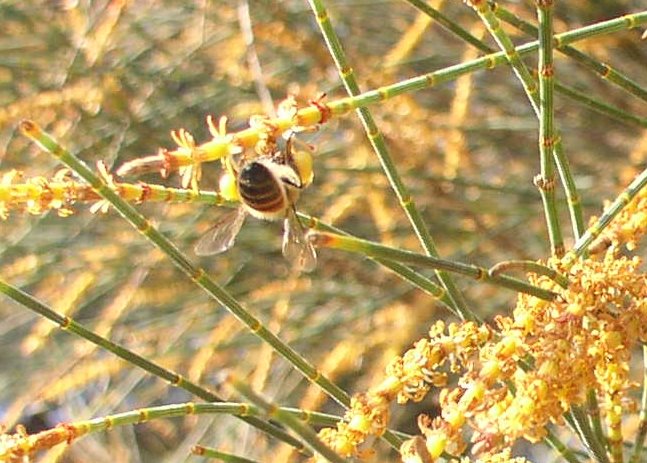 The drooping sheoak's (Allocasuarina verticillata) are flowering, and the natives bees are swaming in delight. The trees are either male or female and have different flowers The male flowers are red elongation at the end of the.round nedle like leaves, These flowers are so loaded with pollen that they bees can be seen to wear large pollen pouches on their legs.>


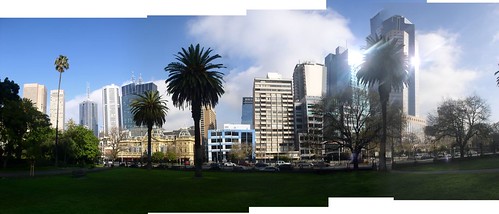
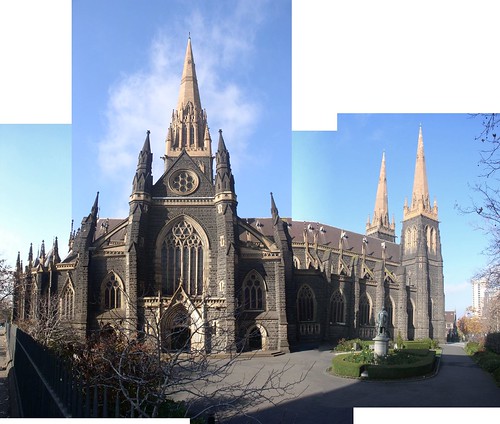
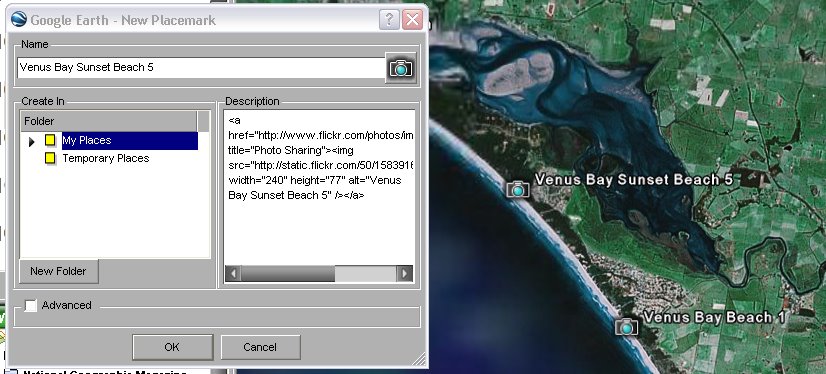
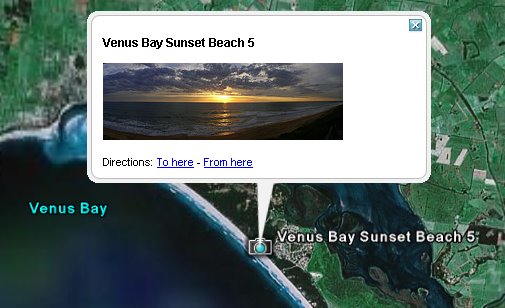
 This brings up the placemarker dialogue box. While it is open you can as accurately as possible move the place marker over google earth to position it was accurately as possible. The last step is to past a link to your photo into the comments. In this case I’m using Flickr, but you can use any online photo album that lets you use links, like photobucket . So I click on the small show all sizes icon above my photo and then I select the small size (I find this is a good size to display in google earth). I ten cut and paste the HTML link back into the google earth dialogue area. Click Ok and that is it!