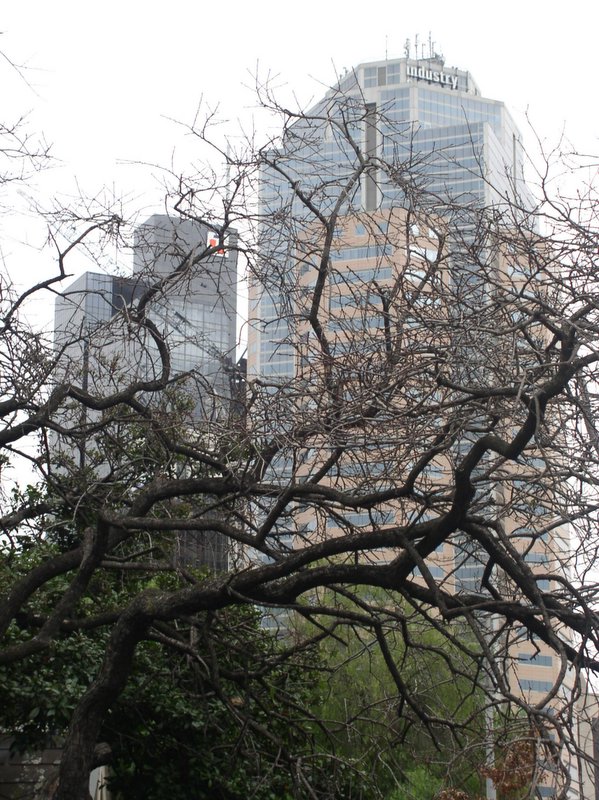
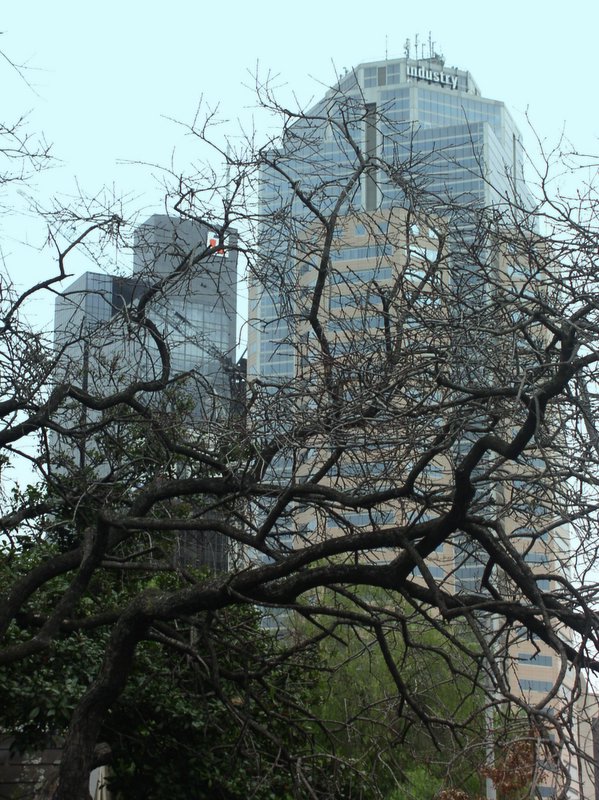
So I though I would try out
 photo enhancing features. Particularly the ability to add a gradational tone over part of the image. just double click on an image then when the basic foxes panel shows up, click on the effects tab and select the graduated tint picture. Pick the colour you want, blue for the sky in this case. A small target mark appears at the center of the image, you can click the mose abywhere to change the gradation point. There are also feather and shade slides to change the speed of the gradation and density of its tint. very simple and effective


1 comment:
thanks for the tip - saved my bacon! I think your example has too much blue though, the building looks blue.
Post a Comment